The collection
Ten features cut for the way boutiques sell
A clothing shop has problems a cafe never will: size runs, colorways, swing tags, exchanges for a different size. Every feature here exists because a boutique needed it on the shop floor.
BoutiquePOS features are the tools a fashion boutique uses every day: size and color variants with their own SKUs, barcode and label printing, returns and exchanges, multi-location stock, selling fabric by the meter, loyalty and customer history, purchase orders, sale pricing and reports. Every plan includes the core set plus an online store generated from your catalog.
- 01Size & color variantsMatrix inventory
- 02Barcode labelsPrice tags and SKUs
- 03WooCommerce & ShopifyOnline and in store
- 04Returns & exchangesWrong size, no drama
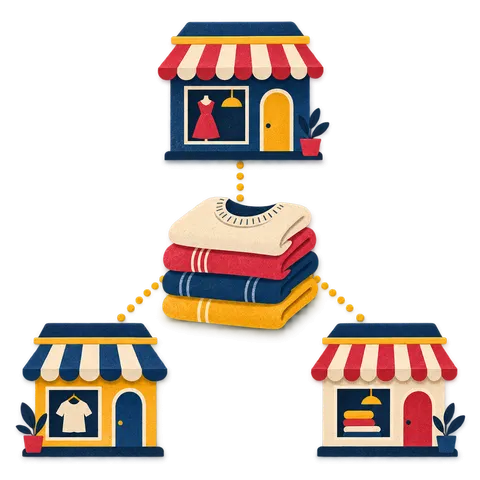
- 05Multi-location stockTwo stores and a stockroom
- 06Fabric by the meterUnits and sub-units
- 07Loyalty & customersKnow your regulars

- 08Purchase ordersBuying for the season
- 09Seasonal salesMarkdowns on a timer
- 10ReportsKnow what sells
Why does a boutique need boutique-specific POS features?
Because a general POS counts one product where you have fifteen. A blazer in five sizes and three colors is fifteen separate things on the rack, and if your system only tracks the blazer, you find out the medium in navy is gone when a customer asks for it.
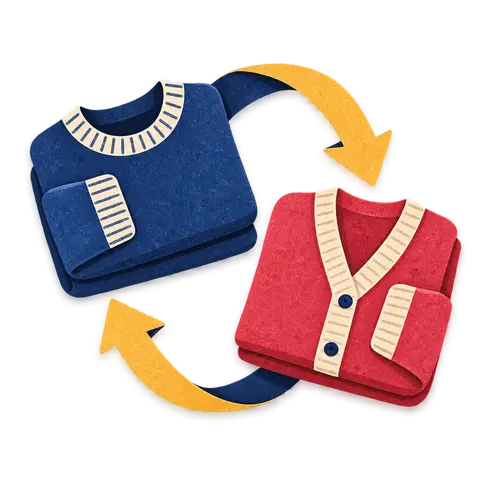
Boutiques also live with exchanges more than most shops. Someone buys a size 8, tries it at home, and comes back for a 10. Your POS needs to swap one variation for another, put the 8 back into stock and keep the books straight without a manager override every time.
Then there is the rest of the trade: swing tags that need printing when a delivery lands, unstitched lawn sold by the meter or by the suit, Eid and holiday rushes, end-of-season markdowns, and an online store that should never sell a dress the rack sold an hour ago. Those are the jobs these ten features are built around.
What is included in every plan, and what do Collection and Flagship add?
Every plan includes the full boutique toolkit: variants, barcodes and labels, returns and exchanges, fabric by the meter, purchase orders, discounts, reports and the auto-generated online store. Products are unlimited on every plan.
The plans differ in how big your shop floor is and how far you want to connect it. Prices are per location and shown in your currency.
- Capsule ([[price:capsule]] per location a month)
- One boutique, one register, up to 3 staff users. Size and color variants, barcode labels, returns and exchanges, fabric by the meter, purchase orders, discounts, reports and your online store.
- Collection ([[price:collection]] per location a month)
- Everything in Capsule with up to 3 registers and 10 users, plus WooCommerce sync, configurable label templates, loyalty points and staff commission. Built for the busy single boutique.
- Flagship ([[price:flagship]] a month, up to 3 locations)
- Everything in Collection for two or three stores and a warehouse: stock transfers between locations, central reports, unlimited registers and users, and API access. More locations are $29 each a month.
How do the features work together from rack to online store?
It starts when a delivery lands. You receive the purchase order, stock posts against each size and color, and you print swing tags for exactly what arrived. Those tags carry the barcode the till scans.
At the register, a scan rings the exact variation, applies any sale price or customer group price, and adds loyalty points to the customer's record. If the piece comes back for a different size, the exchange puts one variation back into stock and takes the other out.
Because there is one catalog, the online store generated from it shows the same prices, photos and live stock. With Flagship, stock moves between shops by transfer, and the reports show you which sizes sell through first so your next order fits your real size curve.
Which plan includes what.
| Feature | Capsule | Collection | Flagship |
|---|---|---|---|
| Size & color variants | Included | Included | Included |
| Barcode labels | Included | Included | Included |
| WooCommerce & Shopify | —Not included | Included | Included |
| Returns & exchanges | Included | Included | Included |
| Multi-location stock | —Not included | —Not included | Included |
| Fabric by the meter | Included | Included | Included |
| Loyalty & customers | —Not included | Included | Included |
| Purchase orders | Included | Included | Included |
| Seasonal sales | Included | Included | Included |
| Reports | Included | Included | Included |
Multi-location stock and transfers need two or more shops, which is what Flagship covers. See prices in your currency.
The full collection
Size & color variants
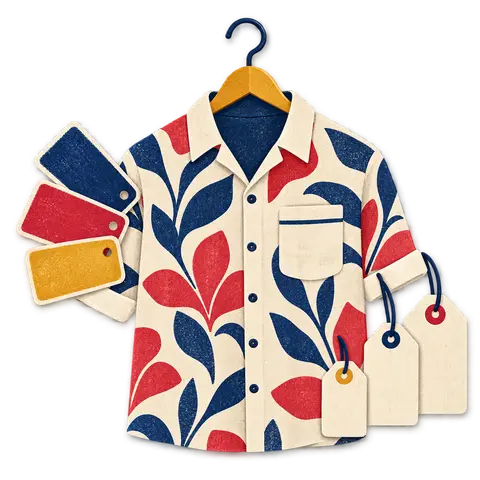
Size and color variants in BoutiquePOS let you add one product, such as a wrap dress, and generate every size and color combination underneath it.
Barcode labels
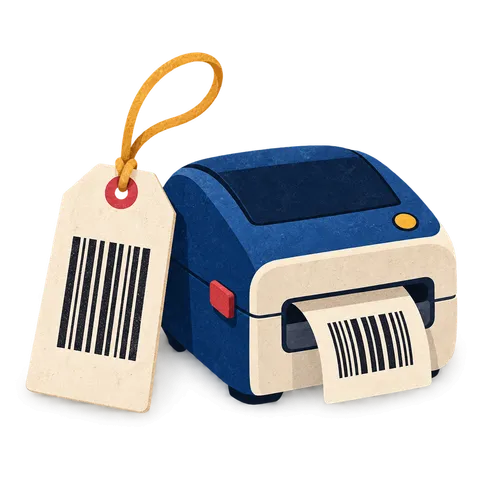
Barcode labels in BoutiquePOS print price tags and SKU labels straight from your product list.
WooCommerce & Shopify
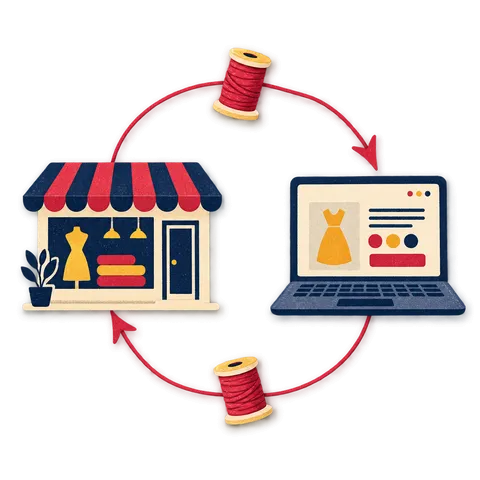
WooCommerce sync in BoutiquePOS connects your store to your WooCommerce site so products, stock levels and orders move between them.
Returns & exchanges
Returns and exchanges in BoutiquePOS let you look up the original sale, return all or part of it, and either refund the customer or give credit.
Multi-location stock
Multi-location stock in BoutiquePOS tracks inventory separately for each store, warehouse or stockroom under one account.
Fabric by the meter
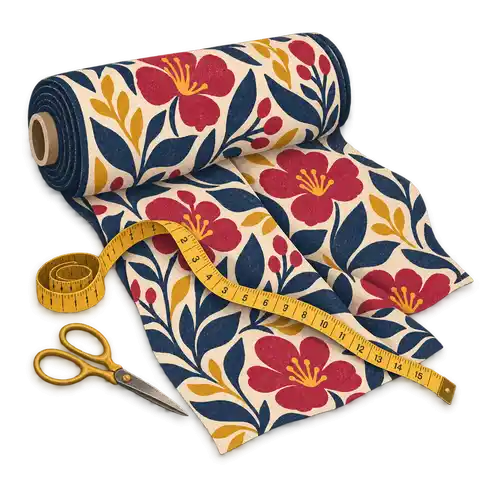
Fabric by the meter in BoutiquePOS uses units and sub-units so you can sell the same stock in different measures.
Loyalty & customers
Loyalty and CRM in BoutiquePOS keep a record for each customer with contact details and every purchase, so staff can see what they bought and in which size.
Purchase orders
Purchase orders in BoutiquePOS record what you have ordered from each supplier, down to size and color, before it arrives.
Seasonal sales
Seasonal sales in BoutiquePOS are discounts you set by product, brand, category or location with a start and end date.
Reports
Reports in BoutiquePOS show your sales, stock and profit from the same data the till records.
Which features are in every BoutiquePOS plan?
Every plan includes size and color variants, barcode and label printing, returns and exchanges, fabric by the meter, purchase orders, discounts, reports and the auto-generated online store. Collection adds WooCommerce sync, label templates, loyalty and staff commission, and Flagship adds multiple locations, stock transfers and API access.
Is there a limit on how many products I can add?
No. Products are unlimited on every plan, including all of their size and color variations.
Can BoutiquePOS handle sizes and colors on the same product?
Yes. You add the style once, pick your size and color lists, and BoutiquePOS creates every combination with its own SKU, barcode, price, stock and photo.
Does it work for unstitched fabric and lawn suits?
Yes. Units and sub-units let you sell fabric by the meter and also as a set unit such as a 3-meter suit, so stock stays correct either way.
Can I print my own swing tags and price labels?
Yes. You can print barcode labels on sheet labels or on a thermal roll label printer, in common barcode formats such as Code 128, EAN-13 and UPC-A. Collection and Flagship include configurable label templates.
Does BoutiquePOS sync with Shopify?
Shopify works through an integration; ask on your demo. WooCommerce sync for products, stock and orders is built in on Collection and Flagship.
Do I need special hardware to use these features?
No. BoutiquePOS runs in a browser on a tablet, laptop or desktop. A barcode scanner, receipt printer and label printer make the shop floor faster, and the hardware page lists what to look for.
Can I take card payments with BoutiquePOS?
Card payments go through your own card processor. BoutiquePOS records the payment method at the till but never processes or holds card money.
Can I try every feature before paying?
Yes. The 14-day free trial lets you add your own products and test variants, labels, returns and the online store before you choose a plan.
14-day free trial
Try all ten pieces free.
Start free today, or book a demo and we set it up on your own products.
No card for the trialNo contractImport help is free
