01
Orders by size and color
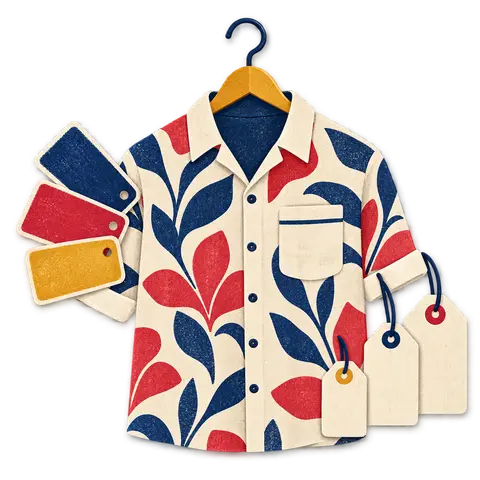
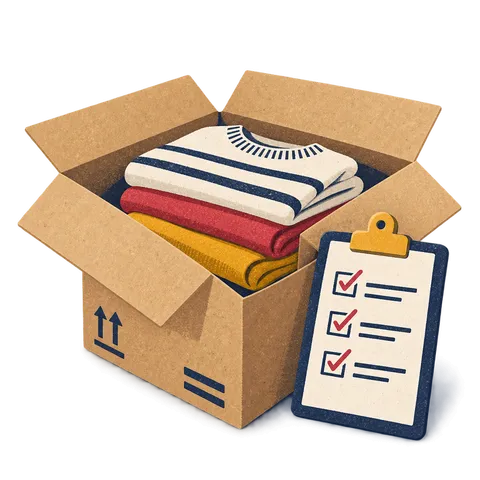
Add the styles and the quantity of each variation you are ordering, so the order mirrors your size curve.
Feature 08 · Buying for the season
Buying is where boutique margins are made or lost. BoutiquePOS records what you ordered, what arrived and what you owe, size by size.
Purchase orders in BoutiquePOS record what you have ordered from each supplier, down to size and color, before it arrives. When the delivery comes you receive it against the order, stock goes up on each variation, and the supplier's ledger shows what you owe and what you have paid. Faulty stock goes back as a purchase return.
Who needs it
On the shop floor
A purchase order, by size
| Style | XS | S | M | L | XL | Status |
|---|---|---|---|---|---|---|
| Knit cardigan | 2 | 4 | 6 | 4 | 2 | Ordered |
| Wide-leg trouser | 1 | 3 | 5 | 3 | 1 | Partly received |
Receive what arrived, keep the rest open, and the supplier ledger shows what you owe.
Add the styles and the quantity of each variation you are ordering, so the order mirrors your size curve.
When the delivery arrives, turn the order into a purchase and adjust any quantities that came up short.
Keep each supplier's contact details, terms and full history of orders and payments in one place.
See what you owe each supplier, record part payments and keep a running balance.
Send back faulty or wrong pieces. Stock and the supplier balance both adjust.
Recording the purchase price on each delivery means profit reports use what you actually paid.
“Buy the size curve you sell, not the one the supplier sends.”
The workflow
Need the screens? The help center walks through each one, and the setup guide covers your first day.
Create a record for each maker, wholesaler or brand you buy from.
List styles and quantities per size and color.
Convert the order into a purchase and adjust for short or extra pieces.
Print barcode labels for the received quantities.
Record payments against the supplier and check the balance.
Care instructions
CARE 1
Makers often send fewer pieces than ordered. Adjust quantities when you receive so stock matches what is in the box.
CARE 2
If a supplier raises prices, update the purchase price on that delivery so margin reports stay accurate.
CARE 3
BoutiquePOS shows low-stock alerts and sales history, but you decide what to reorder. That suits fashion, where last season's bestseller may not come back.
USA
US boutiques placing pre-season orders with wholesalers can track each order through to delivery and payment.
UAE
UAE shops importing stock can record the cost per piece and keep supplier balances in one place.
Pakistan
Pakistani boutiques buying from local makers on credit can track part payments and balances per supplier through the season.
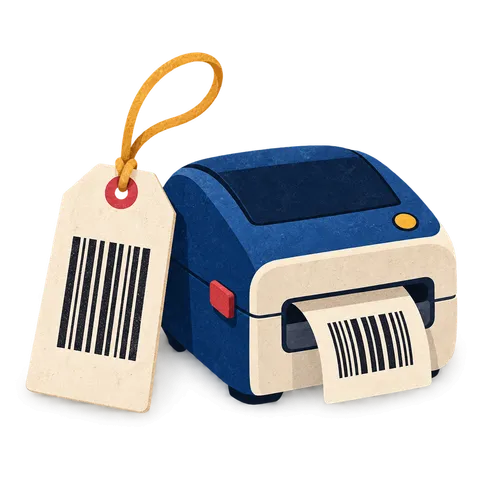
A clear tag with the size, color, price and a barcode that scans keeps the queue moving. BoutiquePOS prints them from your catalog on the printer you already have or a cheap thermal one.

When a customer wants a size you have at the other branch, you should know in seconds. BoutiquePOS tracks stock by location and moves it between them with a transfer.

Buying decisions are better with numbers than with memory. BoutiquePOS reports show what sold, what is left and what you made, by store, category and size.
FAQ
Still unsure? Ask us on WhatsApp or the form, or search the help center.
Yes. Purchase orders list quantities for each variation.
Adjust the received quantities when you convert the order into a purchase.
Yes. Each supplier has a ledger with purchases, payments and the balance due.
Yes. Record part payments against purchases and the balance updates.
Yes. A purchase return removes the stock and adjusts the supplier balance.
No. It shows low stock and sales history so you can decide what to reorder.
Yes. Purchases are received into the location you choose.
Yes. Print barcode labels for the products and quantities received.
14-day free trial
Start free today, or book a demo and we set it up on your own products.
No card for the trialNo contractImport help is free
Adjust the site to suit you. Choices are saved on this device.
 BoutiquePOS
Recent
Popular