01
Discounts with dates
Set a start and end date and the discount switches on and off by itself. No one has to remember to change prices at midnight.
Feature 09 · Markdowns on a timer
End-of-season markdowns, Black Friday, Eid sales and Dubai Shopping Festival offers all have a start and an end. BoutiquePOS schedules them so prices change on time and go back on time.
Seasonal sales in BoutiquePOS are discounts you set by product, brand, category or location with a start and end date. During the sale the till applies the discount automatically, and when it ends prices go back. Selling price groups add separate price lists, such as wholesale and retail, for different customers.
Who needs it
On the shop floor
Try it · end-of-season markdown
Index price 100 = the full price of any piece. The sale applies to the brand, category or location you choose, between a start and end date, then switches off by itself.
Set a start and end date and the discount switches on and off by itself. No one has to remember to change prices at midnight.
Take 30% off last season's dresses or one brand without touching the new arrivals.
Run a clearance at the outlet or one branch only.
Use a percentage off or a fixed amount, whichever fits the offer.
Keep separate price lists for wholesale and retail, or for a customer group, on the same products.
Sales reports show what sold during the sale period, so you can judge whether the markdown worked.
“The best markdown is the one that starts on time and stops on time.”
The workflow
Need the screens? The help center walks through each one, and the setup guide covers your first day.
Choose the brands, categories or products going on sale.
Enter a percentage or fixed amount.
Choose when the sale starts and ends, and which locations it covers.
The till applies the discount automatically during the sale.
Check sales and stock reports afterward to plan the next markdown.
Care instructions
CARE 1
If two sales cover the same item, decide which applies. Keep sale rules simple and check a test item at the till before opening.
CARE 2
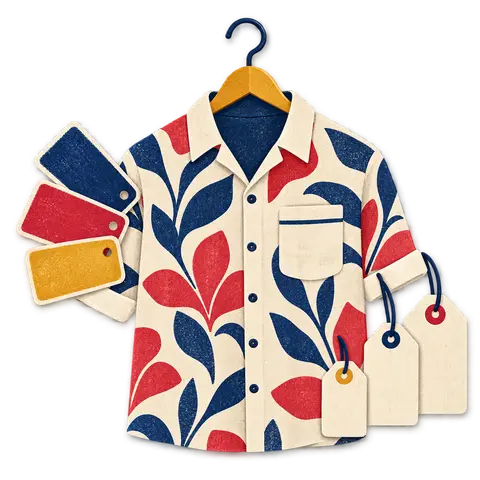
Shoppers notice. Reprint tags for marked-down styles or use a clear sale sign by the rack.
CARE 3
The till will apply what you set. Check cost prices in your stock report before choosing a deep markdown.
USA
US boutiques can schedule Black Friday through Cyber Monday and January clearance in advance and let the till handle the switch.
UAE
UAE boutiques can set Dubai Shopping Festival and Ramadan offers by date, with VAT-inclusive sale prices on the receipt.
Pakistan
Pakistani boutiques can run end-of-season lawn sales and Eid offers by category, with separate wholesale pricing for resellers.

Your best customers come back because you know them. BoutiquePOS keeps their purchase history and rewards them with points, so the knowledge does not live only in one sales assistant's head.
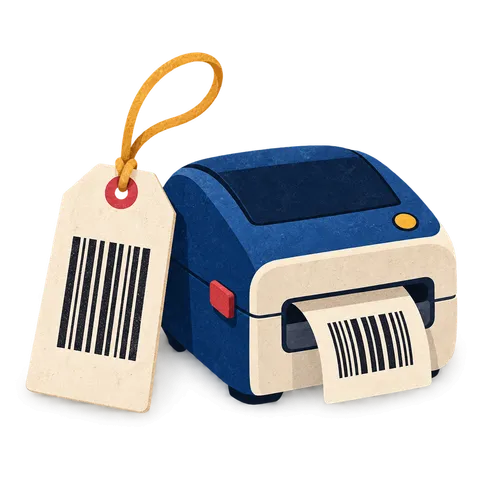
A clear tag with the size, color, price and a barcode that scans keeps the queue moving. BoutiquePOS prints them from your catalog on the printer you already have or a cheap thermal one.

Buying decisions are better with numbers than with memory. BoutiquePOS reports show what sold, what is left and what you made, by store, category and size.
FAQ
Still unsure? Ask us on WhatsApp or the form, or search the help center.
Yes. Discounts have start and end dates and apply only within them.
Yes. Discounts can target products, brands, categories or locations.
Yes, if their role allows it. Permissions control who can change prices at the till.
Yes. Selling price groups give you separate price lists for different customers.
The online store is generated from your catalog and prices. Ask on your demo to see how a running sale appears there.
Yes. Discounts can be limited to a location.
Yes. Filter sales reports by the sale dates to see units and revenue.
Ask on your demo with your exact offer and we will show you the closest way to set it up.
14-day free trial
Start free today, or book a demo and we set it up on your own products.
No card for the trialNo contractImport help is free
Adjust the site to suit you. Choices are saved on this device.
 BoutiquePOS
Recent
Popular