01
One product, many variations
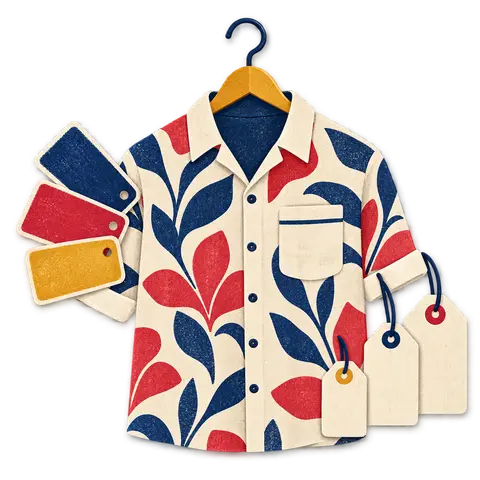
Create the parent style once with its name, brand, category and tax. Add variation lists such as Size and Color, and BoutiquePOS builds the combinations for you.
Feature 01 · Matrix inventory
A dress that comes in five sizes and three colors is fifteen things to count, not one. BoutiquePOS keeps each of them separate so you always know whether the medium in sage is on the rack.
Size and color variants in BoutiquePOS let you add one product, such as a wrap dress, and generate every size and color combination underneath it. Each variation gets its own SKU, barcode, price, stock count and photo, so the till rings the exact piece and your stock reports show which sizes sell out first.
Who needs it
On the shop floor
Try it · wrap dress
| XS | S | M | L | XL |
|---|---|---|---|---|
| 0 | 0 | 0 | 0 | 0 |
Variation SKU: WRAP-IND-M · amber = 2 or fewer left · red = sold out
Create the parent style once with its name, brand, category and tax. Add variation lists such as Size and Color, and BoutiquePOS builds the combinations for you.
Every combination carries its own SKU and barcode. Scan the medium in black and the till knows it is the medium in black, not just the dress.
Plus sizes or a premium colorway can carry a different price from the rest of the run. Set it once on the variation and it follows through to the till and the online store.
Attach an image to each variation so staff and online shoppers see the exact color. The auto-generated online store shows the right photo when a shopper picks a color.
Opening stock, purchases, sales and returns all post against the variation. Your stock report shows the size curve, not a single total that hides a sold-out medium.
Save your size runs (XS to XL, 2 to 16, abaya lengths 50 to 60) as templates. New arrivals take seconds to set up instead of retyping sizes for every style.
“A rack does not sell out. A size does.”
The workflow
Need the screens? The help center walks through each one, and the setup guide covers your first day.
Add the variation templates you use most, such as alpha sizes, numeric sizes and your season's colorways.
Create the product, choose variable, pick the templates and let BoutiquePOS generate each combination with its SKU.
Adjust prices for any variation that differs, enter opening stock per size and attach colorway photos.
Print a barcode label for each piece so every tag carries its own size and color.
Scan at the till, then check which sizes sell through first and reorder the right ones.
Care instructions
CARE 1
Importing hundreds of variations by hand is slow. You can import variable products from a CSV, and our onboarding team helps with your first import at no cost.
CARE 2
If stock lands on the wrong size, a stock adjustment corrects it with a reason, so your count and your history both stay honest.
CARE 3
Size by color covers most boutiques. If you need a third dimension such as fit or length, ask on your demo how best to model it for your range before you import.
USA
US boutiques juggling alpha and numeric size runs can keep both as templates, and sales tax is added per your settings at checkout.
UAE
Dubai abaya and kaftan shops can size by length and color, with prices shown VAT-inclusive on the receipt.
Pakistan
Pret and kurta stores in Lahore and Karachi can run S to XL per print, so the Eid rush does not leave you guessing which size is left.
On the rail
Sample reviews: illustrative examples written by our team to show the kind of results boutiques look for. They are not from real customers and will be replaced with real, verified reviews.
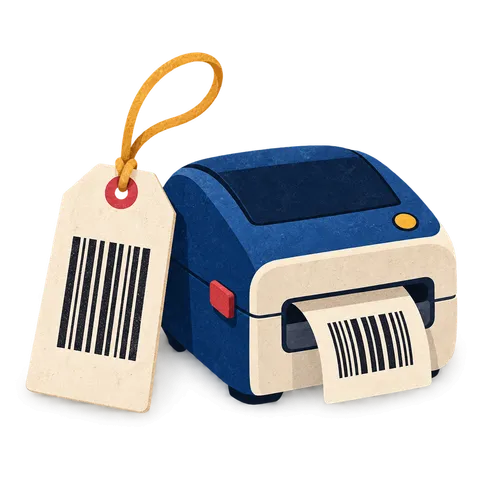
A clear tag with the size, color, price and a barcode that scans keeps the queue moving. BoutiquePOS prints them from your catalog on the printer you already have or a cheap thermal one.

When a customer wants a size you have at the other branch, you should know in seconds. BoutiquePOS tracks stock by location and moves it between them with a transfer.
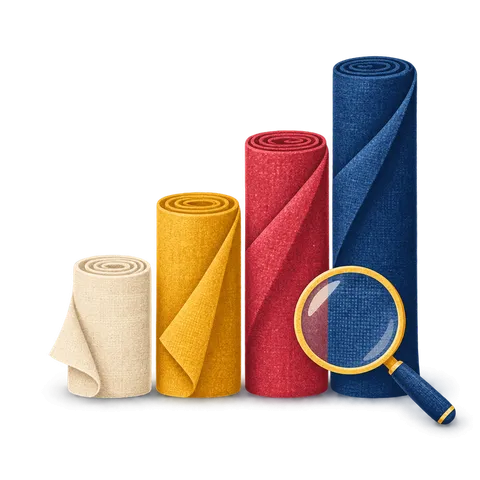
Buying decisions are better with numbers than with memory. BoutiquePOS reports show what sold, what is left and what you made, by store, category and size.
FAQ
Still unsure? Ask us on WhatsApp or the form, or search the help center.
A product can carry every size and color combination you stock. For very large ranges, ask on your demo and we will check your catalog before you import.
Yes. Each variation has its own selling price, so a 3XL or a premium colorway can cost more than the rest of the run.
Yes. Each variation has its own SKU and barcode, and you can print labels for each one.
Yes. Variable products can be imported from a CSV file, and our onboarding team helps with the first import at no cost.
Yes. The auto-generated online store shows the sizes and colors you stock, with the photo you attached to each colorway.
Yes. Stock and sales reports break down by variation, so you can see your real size curve and buy accordingly.
You can stop selling a variation without deleting its history, so past sales and reports stay intact.
Yes. A variation list can hold any values you use, such as 52, 54, 56 for abaya lengths or 2 to 14 for kidswear.
14-day free trial
Start free today, or book a demo and we set it up on your own products.
No card for the trialNo contractImport help is free
Adjust the site to suit you. Choices are saved on this device.
 BoutiquePOS
Recent
Popular