
01
Profit and loss
Sales minus cost of goods and expenses, for any date range. See whether the season actually made money.
Feature 10 · Know what sells
Buying decisions are better with numbers than with memory. BoutiquePOS reports show what sold, what is left and what you made, by store, category and size.
Reports in BoutiquePOS show your sales, stock and profit from the same data the till records. You get profit and loss, product sell reports, stock reports by location, trending products, register reports for each shift and staff sales, all filtered by date, location and category. They help you buy the sizes that sell and markdown what does not.
Who needs it
On the shop floor
Sell-through by size (example)
Sales minus cost of goods and expenses, for any date range. See whether the season actually made money.
What sold, how many and for how much, down to the variation, so you see which sizes and colors moved.
What is on hand and its value at each location, with low-stock items easy to spot.
Your top sellers for a period, useful for reorders and for what to put in the window.
Each cash register's opening, sales by payment method and closing, so end-of-day counts add up.
Sales by staff member and commission due if you pay sales agents commission.
“Last season's sell report is next season's buying list.”
The workflow
Need the screens? The help center walks through each one, and the setup guide covers your first day.
Choose sales, stock, profit, trending or register.
Choose dates, locations, categories or staff.
Look at sizes and colors, not just styles, to see the real pattern.
Export or print reports for your accountant or business partner.
Reorder, transfer or mark down based on what the numbers show.
Care instructions
CARE 1
Profit is only as accurate as your cost prices. Enter the purchase price on every delivery.
CARE 2
Unrecorded transfers or returns cause drift. Do a regular stock count and adjust with reasons.
CARE 3
Reports show what happened, not predictions. Use trending products and last season's sell report to plan your buy.
USA
US boutiques can pull sales tax collected and profit by quarter to hand to their accountant.
UAE
UAE boutiques can see VAT-inclusive sales and tax collected by period to support their own VAT filing.
Pakistan
Pakistani boutiques can compare lawn sales by print and branch across the summer season to plan the next drop.
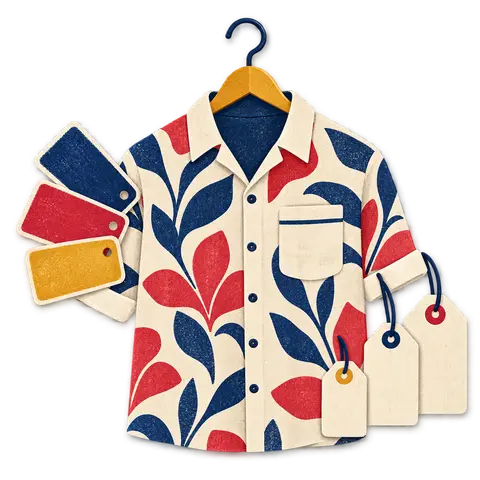
A dress that comes in five sizes and three colors is fifteen things to count, not one. BoutiquePOS keeps each of them separate so you always know whether the medium in sage is on the rack.

When a customer wants a size you have at the other branch, you should know in seconds. BoutiquePOS tracks stock by location and moves it between them with a transfer.
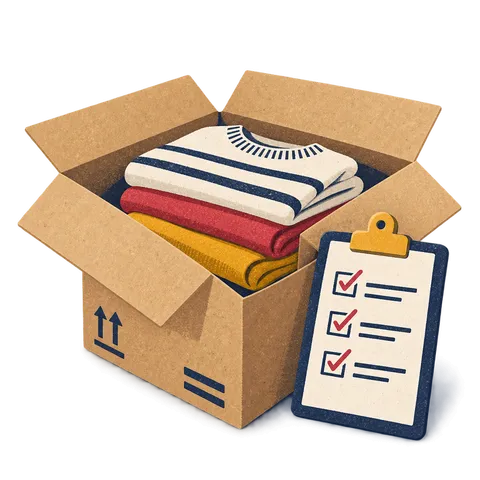
Buying is where boutique margins are made or lost. BoutiquePOS records what you ordered, what arrived and what you owe, size by size.
Profit and loss, product sell, stock, trending products, register, tax, expenses and staff sales reports, among others.
Yes. Product sell reports can be broken down by variation.
Yes. Most reports filter by location, date range and category.
Yes. Reports can be exported or printed for your records or accountant.
Orders synced from WooCommerce appear in your sales reports with in-store sales.
Yes. Tax reports show tax collected for a period. Filing remains your responsibility.
Yes. Register reports show each register's opening, sales by payment method and closing.
Only if their role allows it. Permissions decide who sees which reports.
14-day free trial
Start free today, or book a demo and we set it up on your own products.
No card for the trialNo contractImport help is free
Adjust the site to suit you. Choices are saved on this device.
 BoutiquePOS
Recent
Popular