Receipt printer
- What to buy
- 80mm thermal (ESC/POS compatible), USB/LAN/Bluetooth
- Common makes
- Epson TM-series, Star Micronics
Tip: A network (LAN) printer can be shared by more than one register. Keep a spare roll under the counter on sale days.
Shop kit · we don't sell hardware
BoutiquePOS runs in a browser, so the kit is ordinary and you can buy it anywhere. Here is what each piece does and what to check before you buy.
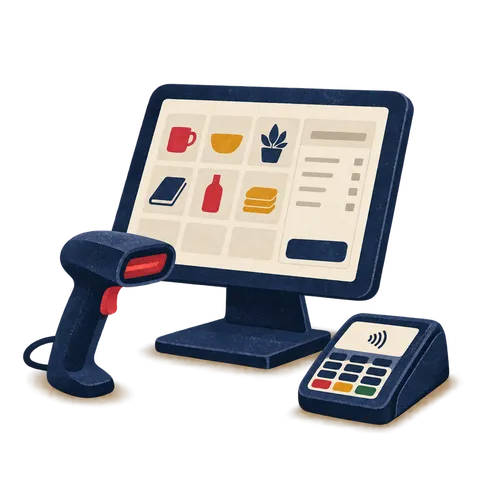
A boutique POS needs a tablet, laptop or desktop with a browser, and usually a barcode scanner, an 80mm thermal receipt printer, a label printer for swing tags and a cash drawer. Card readers come from your own card processor. We don't sell hardware, so buy from any local supplier.
Receipt printer
Tip: A network (LAN) printer can be shared by more than one register. Keep a spare roll under the counter on sale days.
Barcode scanner
Tip: A wireless scanner lets you scan a heavy coat or a folded suit without lifting it onto the counter.
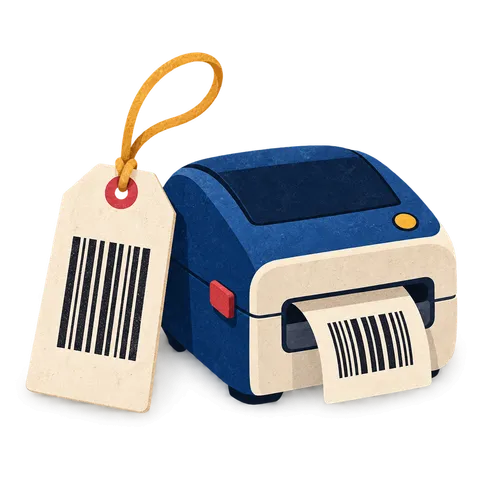
Label printer
Tip: Match your label size to the template you set up, and use thermal-transfer labels if tags must survive steaming and handling.
Tablet or laptop
Tip: Use a tablet at the counter and the owner's laptop for purchase orders and reports.
Cash drawer
Tip: Check the drawer's cable matches your receipt printer's drawer port before you buy.
Card reader
Tip: Card payments run through your processor; BoutiquePOS records the payment method at the till. Ask on your demo how your processor fits.
Customer display (optional)
Tip: Useful in busy shops where customers want to see the price and discount before paying.
Stand or mount
Tip: A swivel stand lets you turn the screen to show a customer the size and color options in stock.
Brand names are trademarks of their owners and are listed only as examples of compatible equipment. Card readers work with your own payment processor.
A tablet or phone, a Bluetooth receipt printer or digital receipts, and your processor's card reader. Print swing tags at home before the event.
A tablet on a stand, a USB or Bluetooth scanner, an 80mm receipt printer, a printer-driven cash drawer, a roll label printer and your processor's card reader.
The single-boutique kit in each shop, one label printer where deliveries arrive, and a laptop for purchase orders, stock transfers and reports.
Only a device with a browser to start. BoutiquePOS runs on a tablet, laptop or desktop, and there is a mobile app. You can ring sales by searching for products and share receipts digitally.
Most boutiques add a scanner, a receipt printer and a label printer within the first week, because scanning swing tags is faster and cuts mistakes between similar sizes.
No. We don't sell hardware and we don't earn anything from the brands named here. They are examples of common, widely available kit.
Buy from any local supplier you trust. If you are unsure whether a printer or scanner will work, send us the model before you buy and we will tell you what to check.
A roll label printer is the usual choice for swing tags and price stickers, because you print exactly the labels a delivery needs. BoutiquePOS supports thermal roll printers and sheet labels with configurable templates.
Pick one that takes the label size you want and can print barcodes clearly at that size. Code 128 and EAN-13 are common choices for clothing.
No. Any tablet, laptop or desktop with a modern browser works. Scanners and printers are optional but make busy days faster.
No. We don't sell hardware. Buy from any local supplier.
An 80mm thermal printer that supports ESC/POS, connected by USB, network or Bluetooth. Epson TM-series and Star Micronics are common examples.
Yes. BoutiquePOS prints barcode labels on thermal roll printers or sheet labels, in formats such as Code 128, EAN-13 and UPC-A.
The one your card processor supplies. Card payments go through your processor, and BoutiquePOS records the payment at the till.
Yes. BoutiquePOS runs in the browser on an iPad or Android tablet, as well as on laptops and desktops.
Often, yes. Most keyboard-style scanners and ESC/POS receipt printers work. Send us the model numbers and we will tell you what to check.
BoutiquePOS is hosted and needs an internet connection. A mobile hotspot as backup is a good idea for busy days.
A printer-driven cash drawer connects to the receipt printer with an RJ11 cable and opens when a receipt prints.
14-day free trial
Start free today, or book a demo and we set it up on your own products.
No card for the trialNo contractImport help is free
Adjust the site to suit you. Choices are saved on this device.
 BoutiquePOS
Recent
Popular